How to Spot a Suspicious Short Link
An unexpected message says your delivery is delayed and asks you to open a short link. The address is compact, but it gives you little information about the page waiting behind it. You do not need to solve the mystery by opening it. Start with the message, the action it requests, and whether you can verify that request somewhere you already trust.
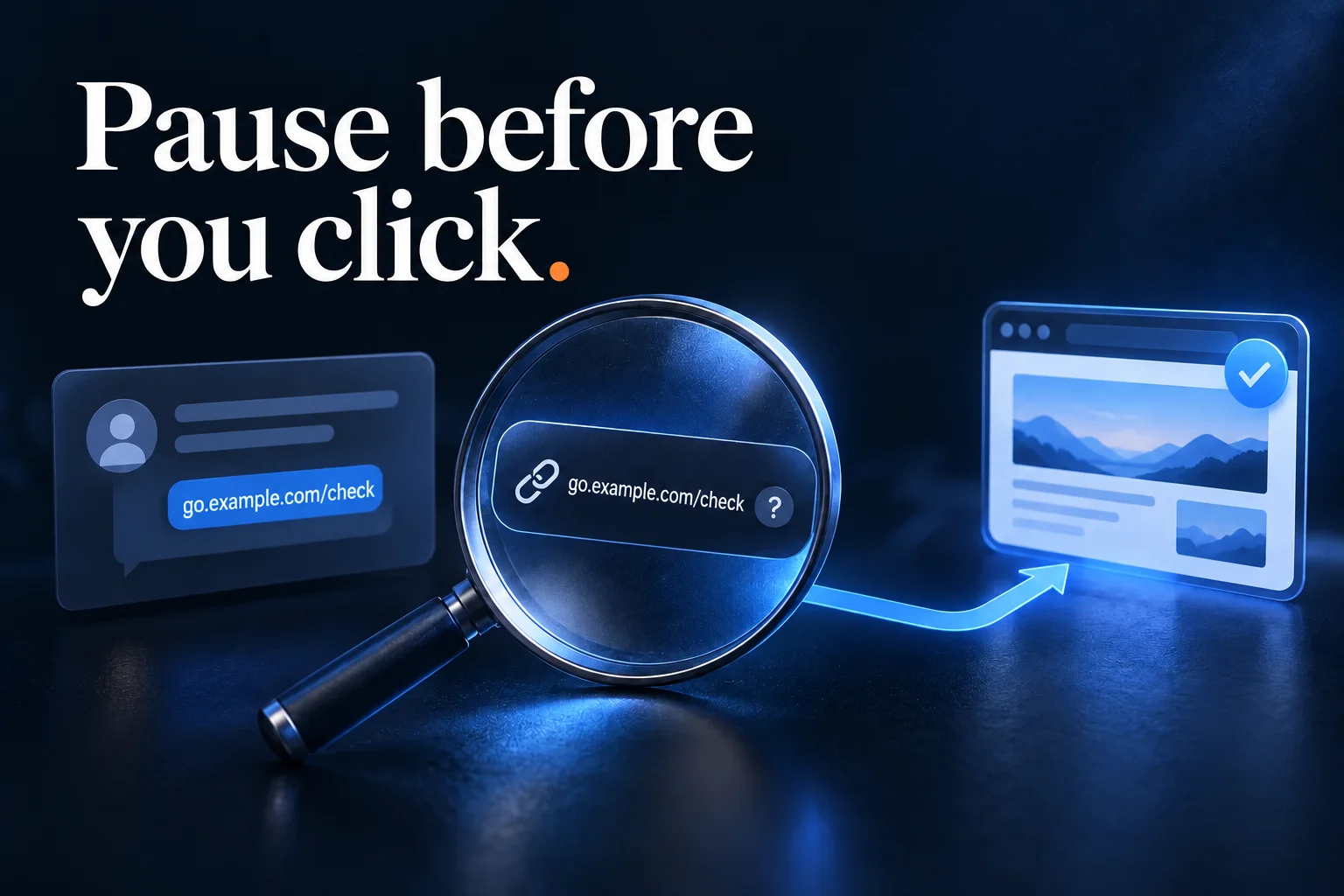
Judge the Request Before the Short Link
A shortener redirects an address to another destination. Businesses use that mechanism for ordinary campaigns, and attackers can use it too. The link format alone does not tell you which situation you are looking at.
Ask whether you expected the message and whether the requested action makes sense. A discount in a newsletter you subscribed to has different context from an unfamiliar number requesting an urgent payment.
The FTC's phishing guidance recommends checking a claimed request with the organization through contact information you know is real. That offers a more reliable next step than trying to infer legitimacy from a compact address.
Notice Pressure and Unexpected Requests
Messages that demand immediate action deserve a pause, especially when they ask for a login, payment, verification code, or download. The question is whether the request has been independently established, not whether the message looks polished.
For an account warning, open the service's official app or use an address you already know. Check whether the warning appears there. For a message apparently sent by a colleague, confirm through an existing conversation or known contact method if the request is unusual.
An account name, avatar, or familiar-looking message thread is not enough to settle the question. Keep your decision tied to the specific action being requested.
Understand What the Visible Address Can Tell You
The domain is the part of the URL that identifies the host. In the illustrative short address https://go.example.com/offer, go.example.com is the host and /offer is the path.
Words in the path do not establish who owns the destination. An attacker can choose a reassuring label just as a legitimate campaign owner can. Likewise, a brand name somewhere inside a longer hostname does not automatically make that hostname part of the brand's real domain.
Hovering over a desktop link or using a supported link-inspection action may show its immediate address. For a short link, that may still be only the redirect address. It does not necessarily reveal every later step.
Treat Previews as Information, Not Approval
Some shorteners and inspection tools offer destination previews. If available, they can provide useful context, but they do not guarantee that a page is safe or that its behavior will stay the same.
Avoid opening an unexpected link simply to discover where it goes. Also avoid submitting private invitation links, password-reset URLs, or other token-bearing addresses to public inspection tools: the URL itself may carry access information.
If the message claims to concern an account you already use, navigating independently is often simpler than investigating the redirect. The FTC's small-business cybersecurity guidance specifically advises using a known route rather than an email or text link when asked to log in.
Recheck Before Entering Information
If you have reached a page, stop before entering a password, payment information, or verification code. Look at the address actually shown in the browser, and consider whether you expected that page.
A professional design or an HTTPS connection does not establish that the operator is the organization it claims to be. If there is doubt, close the page and return through the official app or a known address.
Do not dismiss a browser or security warning just because the short link came from a familiar-looking sender. The warning is a reason to stop and verify the situation through another route.
If You Already Opened the Link
Opening a page and entering credentials are different situations. Note what happened: whether anything downloaded, whether you submitted information, or whether you approved a sign-in or payment.
If you entered account details, use the service's official recovery or security process through a known route. If the account belongs to your workplace, report the incident through its established support process and explain the actions you took. The FTC's guidance after a suspected phishing attempt includes updating security software and running a scan after clicking an unexpected link.
Avoid continuing the conversation with the suspicious sender to ask whether the link was genuine. Use a contact method established independently of that message.
Frequently Asked Questions
Are all short links suspicious? No. They are widely used for legitimate navigation and campaigns. Evaluate the sender, context, requested action, and destination rather than treating the format as a verdict.
Does a familiar shortener guarantee safety? No. Recognizing the redirect service does not establish that every destination shared through it is trustworthy.
Does a QR code avoid these concerns? No. A QR code can contain a URL too. Read any address preview your camera provides and apply the same checks to unexpected requests.
Should I forward a suspicious link to warn everyone? Prefer your organization's reporting process or the service's reporting tools. Avoid spreading an active link without context to more people who might open it.
Where Cut.bd Fits
Cut.bd is a link-management service, and a short address remains a route to another destination. If you publish links, make the request clear, use consistent branding, and avoid unexplained urgency. If you receive one, judge it by the same checks you would apply to any unfamiliar URL. The broader short-link safety guide explains the relationship between redirects and destination trust in more detail.
Found this useful? Share it.
Try Cut.bd's link shortener — free, no account required.
Shorten a link