Password-Protected Short Links: When and How to Use Them
You have a preview page ready for a client, but you do not want everyone who receives the link to open it immediately. A password-protected short link adds a checkpoint: visitors enter a shared password before continuing to the destination. That can be useful for a small review group or a temporary preview, provided you understand where the protection ends. The password controls passage through the short link; access to the destination itself remains a separate decision.
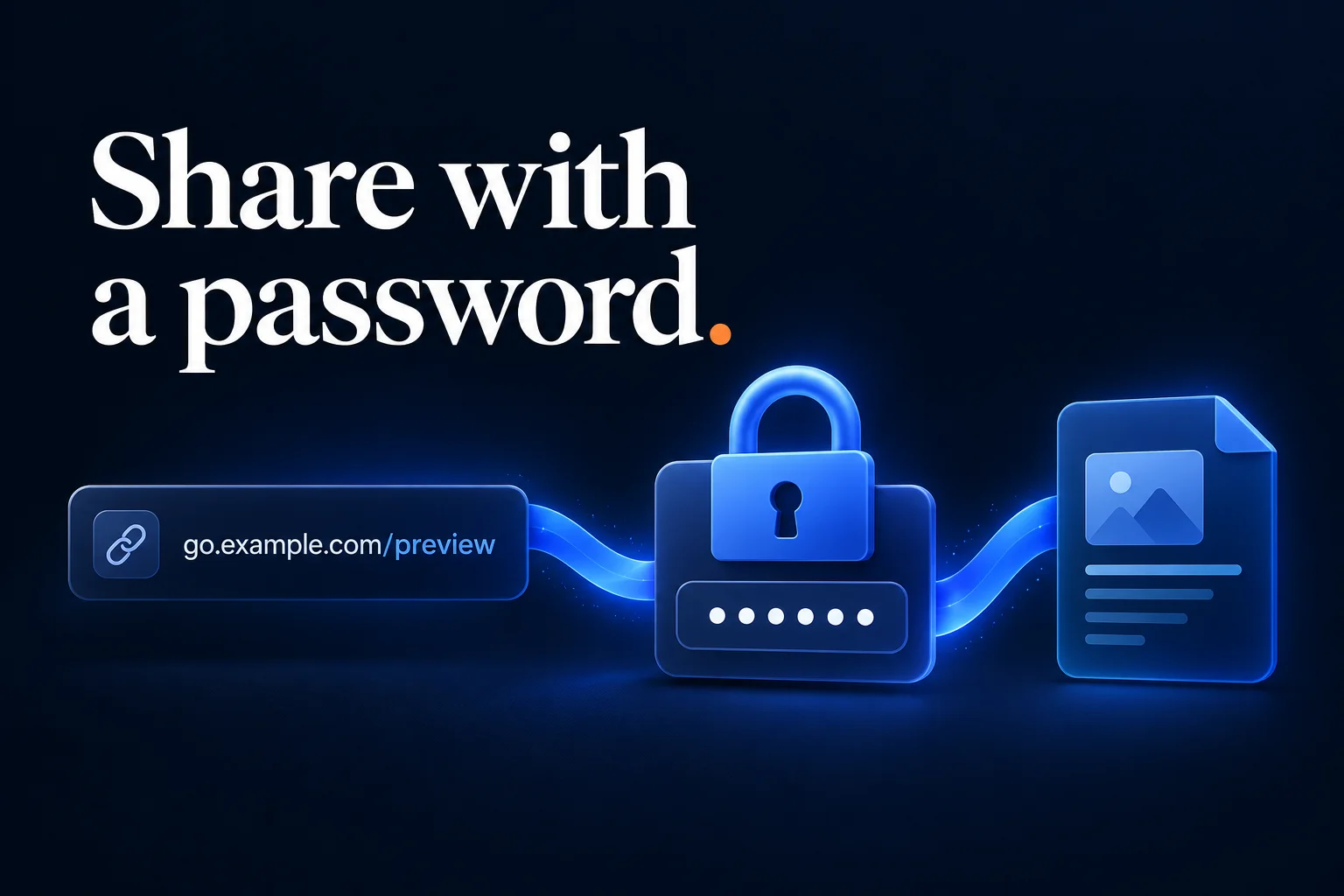
How Password-Protected Short Links Work
An ordinary short link redirects a visitor to its saved destination. A password-protected short link first presents a password prompt. If the visitor supplies the correct password, the service allows the redirect to continue.
The sequence is straightforward:
Open short link → Enter password → Continue to destination
This adds a shared checkpoint without asking each reader to create an account with the shortener. It also means anyone who knows the password can use it. The prompt establishes knowledge of a shared secret, rather than confirming a particular person's identity.
For a broader explanation of the redirect underneath that flow, see how URL shorteners work.
When a Shared Password Is Useful
A password prompt is useful when your goal is to add deliberate friction to a link you are sharing with a limited audience. Think of a draft presentation for client feedback, an early look at a public campaign page, or supporting material for a workshop.
In each case, ask what would happen if a recipient forwarded both the link and the password. If that would only mean someone else sees a draft that will become public anyway, a shared password may fit the job. If it would expose confidential records, the destination should enforce access for the intended people itself.
The convenience comes from the simple workflow: send a readable address, provide the password to your audience, and let visitors continue after the prompt. You can pair this with a branded custom domain so recipients recognize the address before opening it.
What the Password Does Not Protect
Once a visitor reaches the destination, they can usually see its address in their browser. If that address opens a public page, someone who copies it can visit the page directly without passing through the short link again.
The same limitation applies to material someone has already downloaded, copied, or captured. Changing the short link's password cannot retrieve those copies or end a session managed by the destination website.
For private documents, configure the document platform's sharing permissions. For a private application, require authentication there. The short-link password can sit in front of those controls, but the destination needs to make its own access decision.
How to Create One in Cut.bd
In Cut.bd's link creator, password protection is available under Advanced options:
- Enter the destination URL. Open it yourself first to confirm it leads to the intended page and has the right sharing permissions.
- Expand Advanced options. Find the Password protect field.
- Set a unique password. Use a password created for this shared link, rather than your Cut.bd account password or another personal password.
- Set an expiration if the preview has a deadline. The Expires at field is also in Advanced options.
- Create the link and test it in a private browser window. Confirm the prompt appears, an incorrect password does not unlock it, and the correct password reaches the right destination.
Availability depends on your account's plan. The current interface identifies password protection and expiration as Single-plan features and above; check the pricing section for the plan offered to your account. The link management documentation covers the related fields.
Share the Password Deliberately
Sending the link and password together is convenient, but anyone receiving or forwarding that message receives both. Sharing the password through a separate channel can reduce that particular forwarding risk, although it still does not prevent an intended recipient from sharing access.
Tell readers what the link contains and when access is intended to end. A short note such as “Campaign preview for Friday's review; password sent separately” gives the recipient context that an unexplained URL does not.
Avoid putting the password in the short slug, query string, title, or another publicly visible label. Keep it in the password field and in your chosen communication with recipients.
Test Changes From a Fresh Browser Session
Cut.bd can remember a successful unlock with a temporary browser cookie. As a result, reopening the same link in the browser you just used may take you straight through. That does not necessarily mean the password prompt has been removed.
Use a fresh private browsing session when checking what a new recipient will experience. Test again after changing a password or adjusting expiration. Also open the destination directly: that check tells you whether the underlying page has the access controls your use case needs.
Frequently Asked Questions
Does every recipient need a Cut.bd account? No. Visitors use the link's password prompt to continue; they do not need an account with Cut.bd. The destination may separately require its own login.
Can someone forward the link? Yes. A recipient can forward the short link and share its password. Shared passwords do not provide individual invitations or identify each reader.
Will changing the password revoke access to the destination? It changes access through the short link. It does not revoke a destination URL someone already knows, downloaded material, or a separate login session on the destination website.
Can I combine a password with an expiration date? Cut.bd's link creator offers both settings on eligible plans. Expiration stops access through that short link after the configured deadline; it does not delete or unpublish the destination.
Where Cut.bd Fits
Cut.bd puts the short address, password setting, and optional expiration in the same link-creation workflow. That makes it practical to prepare a temporary preview link without maintaining a separate redirect page. Start with the destination's sharing permissions, add the password checkpoint when it suits your audience, and test the complete path before sending it out.
Found this useful? Share it.
Try Cut.bd's link shortener — free, no account required.
Shorten a link