QR Codes for Print Campaigns: Plan, Test, and Track
A QR code on a flyer has one job: move someone from a physical moment to a useful next step on their phone. The difficult part is everything around the code. Will the person know why to scan? Can their camera read the finished print? Can you tell whether a visit came from the shop window or the leaflet? A good print campaign answers those questions before the artwork reaches the printer, then keeps the destination useful after the promotion ends.
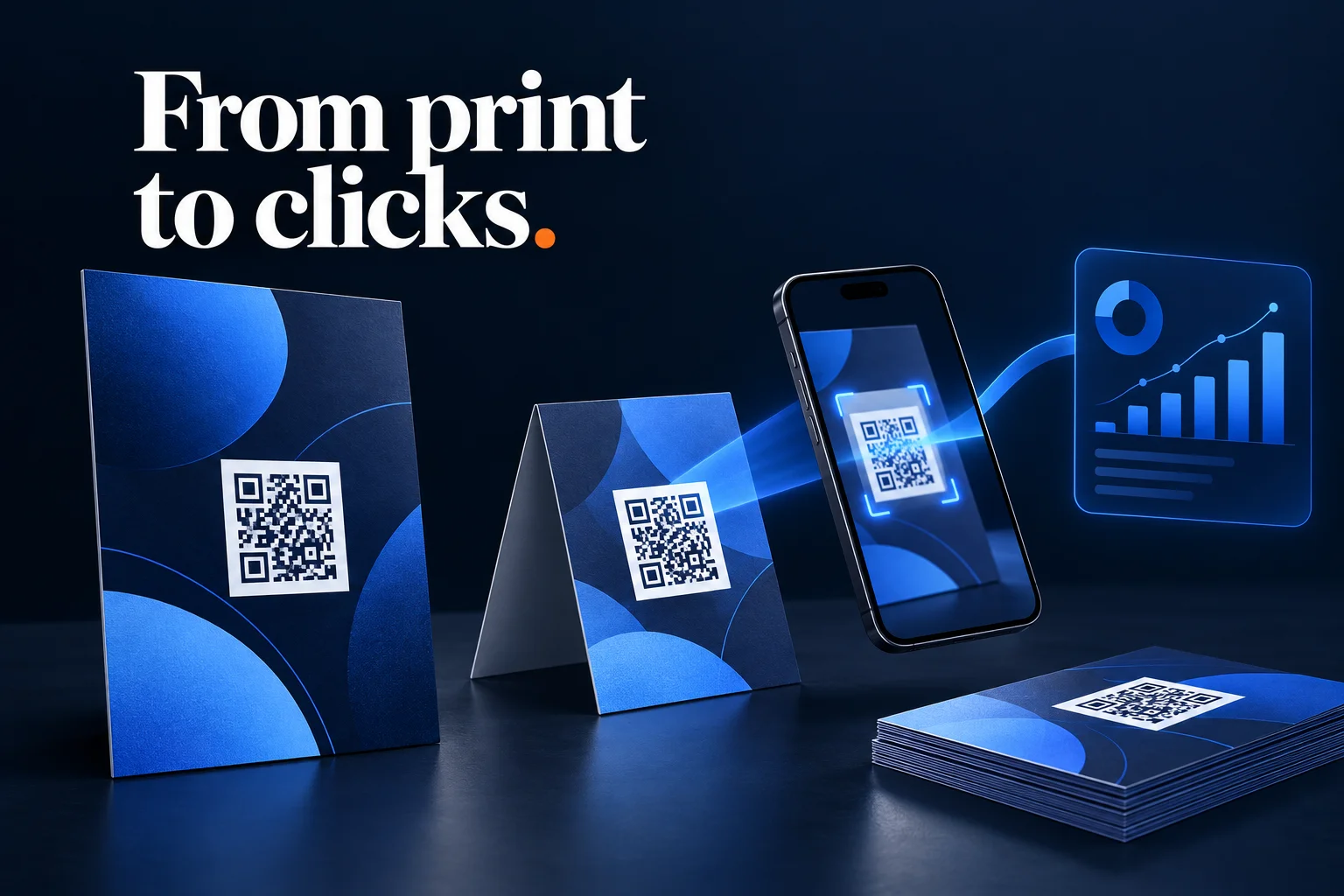
Start QR Codes for Print Campaigns With One Clear Action
Choose what someone should accomplish after scanning. “See the menu,” “Get the event schedule,” and “Claim the offer” each describe an outcome. “Scan me” only describes the mechanism.
Match the landing page to that promise. A poster advertising a workshop should lead to that workshop's registration page rather than a homepage that makes the visitor search again. Check the mobile layout, form fields, loading experience, and any login requirement before printing.
Also consider the physical situation. A person sitting at a café table has time to scan a menu. A person passing a crowded doorway may need a much simpler action. Placement works when stopping and using a phone is practical.
Put a Managed Link Behind the Printed Code
The QR graphic contains an address. If you encode the destination directly, changing the destination means changing what is printed. If you encode a managed short link, that link can redirect to a destination you maintain.
Printed QR code → Managed short link → Campaign landing page
The printed pattern stays fixed while the redirect's destination can change. This is what people generally mean by a dynamic QR setup; the ink itself does not update. Keeping the short link and its domain active is part of maintaining the campaign.
Cut.bd's QR code generator generates codes for short links and offers PNG and SVG exports. The QR codes and short links setup guide covers that initial workflow. For print, treat the managed address as a lasting asset: avoid an expiration date that would disable it while posters or packaging remain in circulation.
Give Each Placement Its Own Address
Imagine a café promoting a weekend tasting through a window poster, table cards, and takeaway leaflets. If all three use the same address, the resulting link traffic does not tell you which printed placement brought the visitor.
Create a separate short link for each placement you want to compare. For example:
go.example.com/tasting-window
go.example.com/tasting-table
go.example.com/tasting-leaflet
All three can redirect to the same registration page. Their separate addresses let you compare activity without guessing from timestamps. If different branches or print batches need separate reporting, decide that before exporting the artwork too.
Keep these links exclusive to their intended placements. Publishing the window-poster link in an email mixes email visits into the same link's totals. A printed QR code does not prove physical exposure once its address is copied or shared elsewhere.
Keep Website Attribution Consistent
Add UTM parameters to each saved destination if your website analytics uses them. In this illustrative convention, the campaign stays constant while the placement changes:
utm_source=cafe-print
utm_medium=offline
utm_campaign=2026-10-weekend-tasting
utm_content=window-poster
Use table-card and takeaway-leaflet for the other content values. These are example labels, not a universal channel taxonomy; check how your analytics platform groups your chosen medium. The goal is consistency with your reporting setup.
The short address belongs in the QR code, while the full tagged URL stays in its destination. UTM tracking without ugly URLs explains that pairing, and the naming convention guide helps keep future batches comparable.
Prepare Artwork for the Real Viewing Conditions
Give the code a plain, light background and dark modules with strong contrast. Keep photos, text, borders, and decorative patterns outside its clear margin. DENSO WAVE's QR code sizing guidance specifies a quiet zone at least four modules wide on every side of a standard QR code. A module is one of the small squares in the pattern; four modules is not the same as four pixels.
Use SVG when your printer or design workflow supports it so the pattern remains sharp as the layout scales. If you use PNG, export enough pixels for its final physical size rather than enlarging a small screenshot.
There is no single printed size that works for every placement. The encoded data, viewing distance, camera, lighting, surface, and print quality all affect readability. A tabletop card and a window poster need separate tests at the distances people will actually use them. Keep the code away from folds, trim edges, curved seams, and areas where reflections obscure it.
Approve a Physical Proof Before the Full Run
A successful scan on your monitor is only the first check. Print the final artwork at its intended size, ideally on the intended material, and test it in conditions close to the placement.
Use this approval sequence:
- Scan with more than one phone. Include devices representative of your audience, rather than relying on one recent camera.
- Test the expected distance and angle. Check the mounted poster or folded card, including realistic lighting and glare.
- Verify the final URL. Confirm the right destination and tracking values survive every redirect.
- Complete the promised action. Submit a test registration or follow the offer flow where practical.
- Record approval against the artwork version. Keep the placement name and short address with the file sent to the printer.
Include a readable fallback address beside the code when space allows. It gives someone another way to reach the page and lets them recognize the domain before scanning. A custom short domain can make that address easier to associate with your brand.
Measure Visits and Outcomes Separately
Compare traffic for each placement, then look at the action the campaign was intended to produce. A table card that brings fewer visits but more completed registrations may be more useful than a poster that attracts casual interest.
Label metrics carefully. A request to the encoded address is evidence that the address was opened, not a unique person standing in front of the print. Repeated visits, forwarded addresses, and automated requests can affect totals. Website registrations and purchases need their own event measurement; a QR visit alone does not establish either outcome.
If you divide visits by the number of leaflets distributed, call that a response estimate. It is not the percentage of people who saw the leaflet, because distribution does not measure actual exposure. For the financial side, see measuring campaign ROI.
Keep the Link Useful After the Promotion
Printed materials can outlive a campaign. Before launch, decide where late visitors should go: an event recap, the current menu, a clear “offer ended” page, or another relevant destination.
Update the managed destination rather than leaving an unexplained error. Test the printed code again after any change and record when the destination changed, so later traffic is interpreted in the right context.
Frequently Asked Questions
Can I change where a printed QR code leads? Yes, if it encodes a managed redirect address you still control. A code containing the final destination directly cannot have its encoded address changed after printing.
Should every leaflet have a unique code? Only if you have a specific need for individual-piece attribution. A separate address per placement, branch, or batch is often a more manageable starting point.
Can I use brand colors inside the code? Keep strong dark-on-light contrast and test the finished artwork. Use the surrounding design for branding if your palette makes the code harder to read.
Does a low visit count mean the code failed? It could reflect scan difficulty, weak placement, an unclear reason to scan, or limited exposure. Test readability in person before deciding which explanation fits.
Where Cut.bd Fits
Cut.bd connects downloadable QR artwork to managed short links and their analytics. Use a dedicated link for each print placement you want to compare, keep the destination and its campaign tags consistent, and test the physical proof before approving the run. The result is a printed invitation with a maintainable destination and a clearer path from attention to measurable action.
Found this useful? Share it.
Try Cut.bd's link shortener — free, no account required.
Shorten a link