URL Shortener API: The Developer's Complete Guide
A URL shortener with a dashboard is a tool a person clicks around in. A URL shortener API is infrastructure — something your product, your script, or your CI pipeline calls directly, without a human in the loop. This guide covers what that actually looks like: the endpoints, the auth, the redirect mechanics, and the decisions that matter once you're integrating one instead of just using one.
What a URL Shortener API Actually Does
Underneath the dashboard, every shortener reduces to three operations: create a short link, redirect a visitor who clicks it, and report back what happened. A UI wraps those three operations in forms and buttons for a person. An API exposes them directly, so anything you can script, you can automate — generating links per user signup, per product listing, per outbound campaign, at whatever volume your product needs, without anyone opening a dashboard at all.
That distinction is the whole reason to reach for an API instead of a UI: the moment link creation needs to happen automatically, in response to something else in your system, a dashboard stops being an option.
The Core Endpoints Every URL Shortener API Has
Implementations vary in naming, but the shape is consistent across providers:
| Endpoint | Method | Purpose |
|---|---|---|
/links | POST | Create a new short link |
/links/:id | GET | Retrieve a link's details |
/links/:id | PATCH | Update a link's destination or settings |
/links/:id | DELETE | Remove a link |
/:code | GET | The redirect itself — not usually called directly by your integration |
/links/:id/clicks | GET | Retrieve click analytics for a link |
The redirect endpoint is the odd one out — your integration doesn't call it, actual visitors do, when they click a short link in the wild. Everything else is what your code talks to directly.
Authentication
Most URL shortener APIs authenticate with a static API key sent as a bearer token or custom header — simple to wire up, appropriate when your integration is acting as a single account rather than on behalf of many separate users. OAuth shows up when the second case applies: a product that creates and manages links across many different end users' own accounts needs token-based delegation, not one shared key. The full comparison of API authentication approaches across providers covers this in more depth if you're choosing between hosted options.
A Real Request and Response
Here's what creating a link actually looks like against a production-shaped API, not just a minimal example:
POST /v1/links
Authorization: Bearer YOUR_API_KEY
Content-Type: application/json

{
  "url": "https://yourstore.com/products/summer-2026",
  "alias": "summer-sale",
  "domain": "go.yourbrand.com",
  "utm": { "source": "email", "campaign": "summer-launch" },
  "expiresAt": "2026-09-01T00:00:00Z"
}
201 Created

{
  "id": "lnk_8f2a1c",
  "shortUrl": "https://go.yourbrand.com/summer-sale",
  "url": "https://yourstore.com/products/summer-2026",
  "createdAt": "2026-07-19T14:02:11Z",
  "clicks": 0
}
Notice what's optional versus required: the destination URL is the only thing that has to be there. Custom alias, custom domain, UTM parameters, and expiry are all opt-in — which is exactly why an API is more useful than a UI form for this. Your integration decides per-request which of those fields actually apply, instead of a person filling in the same form five different ways by hand.
How Short Codes Get Generated
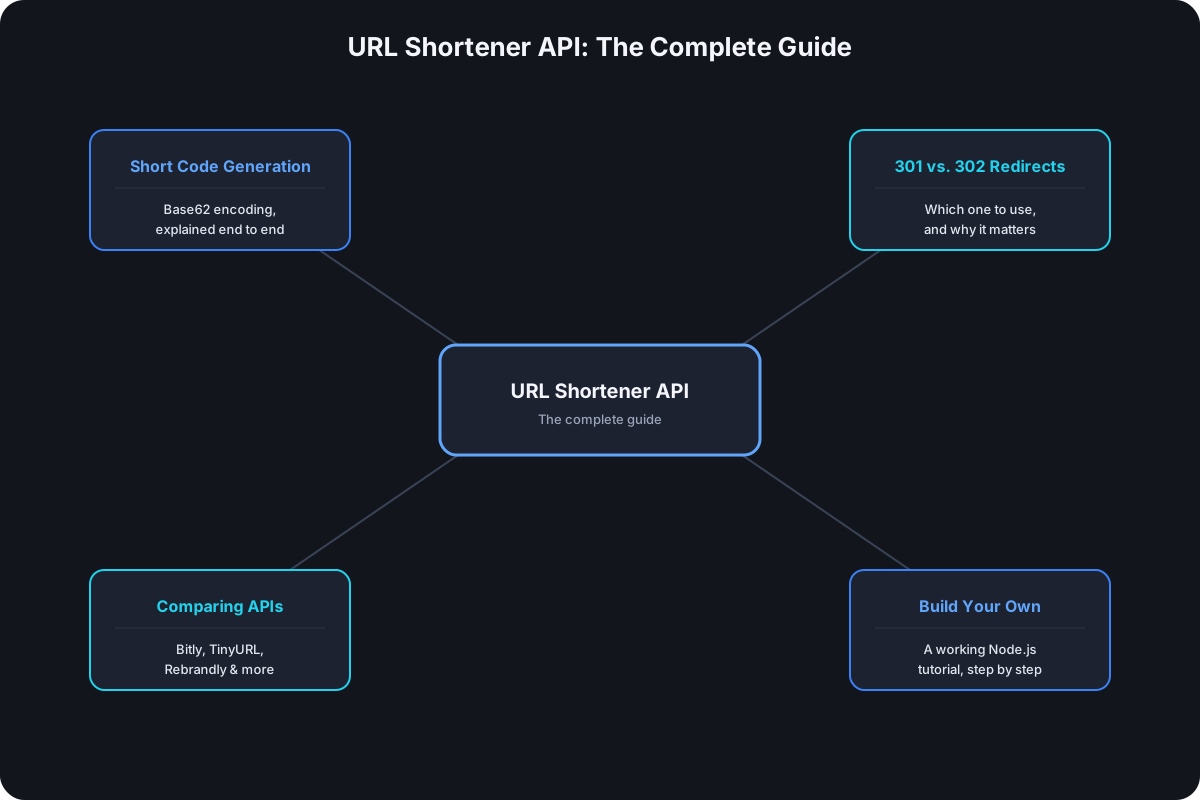
When you don't supply a custom alias, the API generates one — almost universally through Base62 encoding of an internal ID, which is how a database row becomes a compact, URL-safe string like x7fQ2 instead of a long decimal number. How URL shorteners generate short codes covers the actual algorithm and the math behind why 62 characters specifically, if you want the mechanism rather than just the result.
Which Redirect Type to Use
The redirect endpoint responds with either a 301 or a 302, and which one matters more than it looks — a cached 301 lets a visitor's browser skip your server on repeat clicks, silently undercounting analytics and blocking destination updates for anyone who already has it cached. 301 vs. 302 for short links covers exactly why 302 is the correct default for anything you want accurate click data on, which is true for essentially every API-generated link.
Rate Limits and Designing Around Them
Every API caps requests per key per time window, and the limit almost always scales with plan tier — Cut.bd's API, for example, runs from 3 requests/minute on the Free plan up to 360 requests/minute on Ultimate. The practical implication: read the response headers (X-RateLimit-Remaining and similar) and throttle proactively rather than waiting for a 429 to find out you've hit the ceiling. An integration that creates links in a tight loop — importing a CSV of a thousand URLs, for instance — needs to either use a batch endpoint if one exists, or deliberately pace individual requests below the documented limit.
Build Your Own vs. Use a Hosted API
Both are real options, and the right one depends on what you're actually optimizing for. Building your own — a redirect endpoint, a datastore, Base62 encoding — is a few dozen lines of code and genuinely useful to understand the mechanics; our step-by-step Node.js build walks through exactly that. What it doesn't give you for free: a real database that survives a restart, click analytics, custom domains, rate limiting, or any of the operational work that turns a working prototype into something you'd trust in production. A hosted API trades the build-it-yourself learning experience for having all of that already handled.
Choosing a URL Shortener API
If a hosted API is the right call, the evaluation comes down to the same handful of criteria regardless of provider: rate limits at the tier you'll actually pay for, whether custom domains are settable through the API itself and not just the dashboard, whether bulk creation is a real endpoint or something you'd have to loop yourself, and whether a self-hosted option exists if third-party data sharing is a hard constraint. The full API comparison across Bitly, TinyURL, Rebrandly, Short.io, and self-hosted options walks through each of those in detail.
Common Integration Patterns
A few patterns come up repeatedly once an integration is live rather than just working in a test call:
- Webhooks over polling for click events. If you need to react to clicks in near-real-time — triggering a notification, updating a CRM record — a webhook that fires on each click avoids the latency and wasted requests of polling the clicks endpoint on a timer.
- Idempotency on link creation. If a request to create a link times out on your end, retrying it blindly can create a duplicate. A well-designed integration either checks for an existing link with the same destination and alias first, or uses an idempotency key if the API supports one.
- Graceful handling of a
404on the redirect endpoint, if you're ever calling it directly for validation — a missing code isn't necessarily a bug in your integration; the link may have expired or been deleted intentionally. - Batching where the API allows it. Fewer, larger requests use less of your rate-limit allowance than the equivalent number of individual calls for the same total work.
Frequently Asked Questions
Do I need a URL shortener API if I'm only creating a handful of links? No — a dashboard is faster for occasional, one-off links. An API earns its cost the moment link creation needs to happen automatically, in response to something else in your system, rather than by a person clicking a button.
What's the difference between the redirect endpoint and the rest of the API? Every other endpoint is something your integration calls directly. The redirect endpoint is hit by actual visitors clicking the link in the wild — your code creates the link once, then never touches that endpoint again for that link.
Can I self-host if I don't want to send click data to a third party? Yes — open-source options like YOURLS exist for exactly that constraint, trading the operational cost of running your own infrastructure for full data ownership. Covered in more depth in the API comparison.
Is building my own API-compatible shortener a reasonable production choice? For a genuinely small, internal, low-traffic use case, maybe. For anything customer-facing, the missing pieces — persistent storage, analytics, rate limiting, custom domains — add up fast enough that a hosted API is usually the faster path to something reliable.
Where Cut.bd Fits
Cut.bd's API covers every endpoint in this guide — link creation with custom aliases and domains, Base62-encoded short codes, 302 redirects by default, and documented rate limits from the Free plan up — with the full reference and request examples on the API page itself. High-volume creation goes through a dashboard CSV import rather than a separate batch endpoint; see the batch endpoint guide for what that actually covers.
Found this useful? Share it.
Try Cut.bd's link shortener — free, no account required.
Shorten a link